CODING PORTFOLIO
Loops Project
Two different programs: solving “The Monty Hall” problem and Brute Force Graphing
The Monty Hall problem: You are on a game show and there are three doors. Behind one door is a brand new car and the other two have goats. The player is asked to pick a door but doesn't get the chance to open it. The host, Monty, knows which door has the car and selects one of the two doors remaining to reveal one of the goats. Now he offers to let you change your mind about which door you want. Should the player stay or switch? View Code
Brute Force Graphing: the user enters a domain, range, y-intercept and slope and the program produces a graph of it. View Code
Learning Objective: For loops and while loops.
BlackJack
A version of the game BlackJack. View Code
The dealer will deal one card face down to itself and one card face up. The dealer deals two cards to the user, face up. The goal of the game is to have a higher score than the dealer, without going over 21 (a tie goes to the dealer). The user has the option of asking the dealer to give them another card ("hit") or to stop and stick with what cards they have ("stay"). The player can keep "hitting" as long as they haven't gone over 21 ("busted"). (If the player is bused, the dealer wins this hand.) Once the player has decided to stay, the dealer reveals his other card. The dealer must continue to hit as long as its score is below 17. If the dealer goes over 21, then the player wins. If neither player has busted, the higher score wins this hand.
Learning Objective: Interacting classes
Parchessi
A version of the board game Parchessi. View Code
A 4-player board game played with a ring of spaces. Each player is attempting to move four of his or her tiles from a starting position around the board about 90% of the circumference, and then up a path to get "home." Each player starts at a different position on the board, and their homeward paths are similarly distributed, so that everybody has to travel the same distance. Moves are determined by two dice. There are a few "safe" squares around the path, but if you land on another player's solo piece in a non-safe place, you send that piece back to the player's home. You can have a maximum of two of your own pieces on any particular space. The game ends when one player gets all of their pieces Home.
Learning Objective: Arrays
Favorite Names
A graph of popular baby names over the course of the 20th century. View Code
Learning Objective: ArrayLists
Image Management
Put filters on an image: invert, flip, blur, difference, lens and hyptonic. View Code
Learning Objective: ArrayLists
Fractals

Renders a Mandelbrot set, which the user can zoom in on. View Code
Learning Objective: Complex numbers
Maze Building
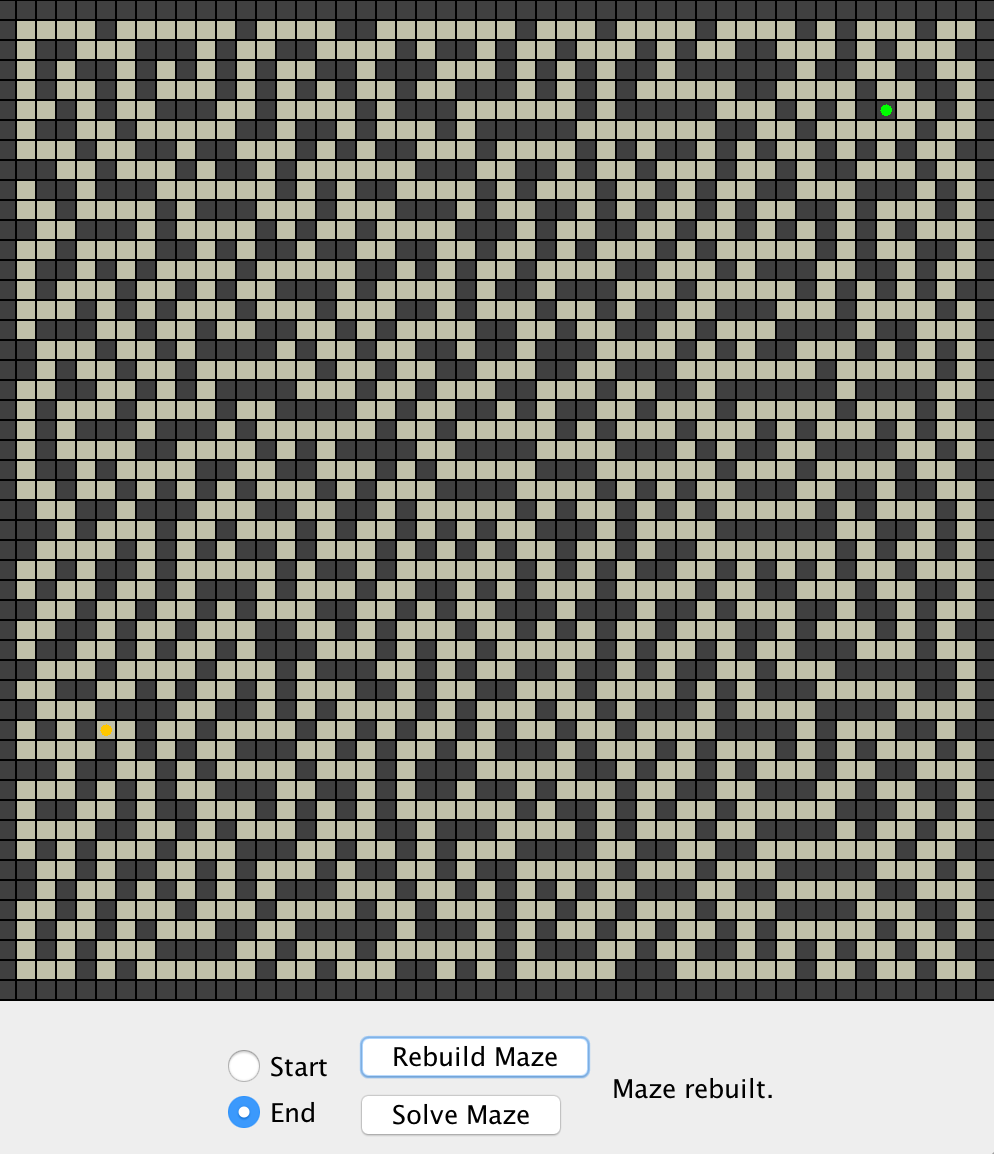
Builds and solves a maze.
Learning Objective: Stacks, queues and 2-D arrays. View Code
Recursion Project
Hex Converter: Uses a Scanner to read in an integer, then uses a recursive method to convert that integer into a hexadecimal number in a String, which it returns. The recursion comes in when it has to produce multi-digit hex numbers. View Code
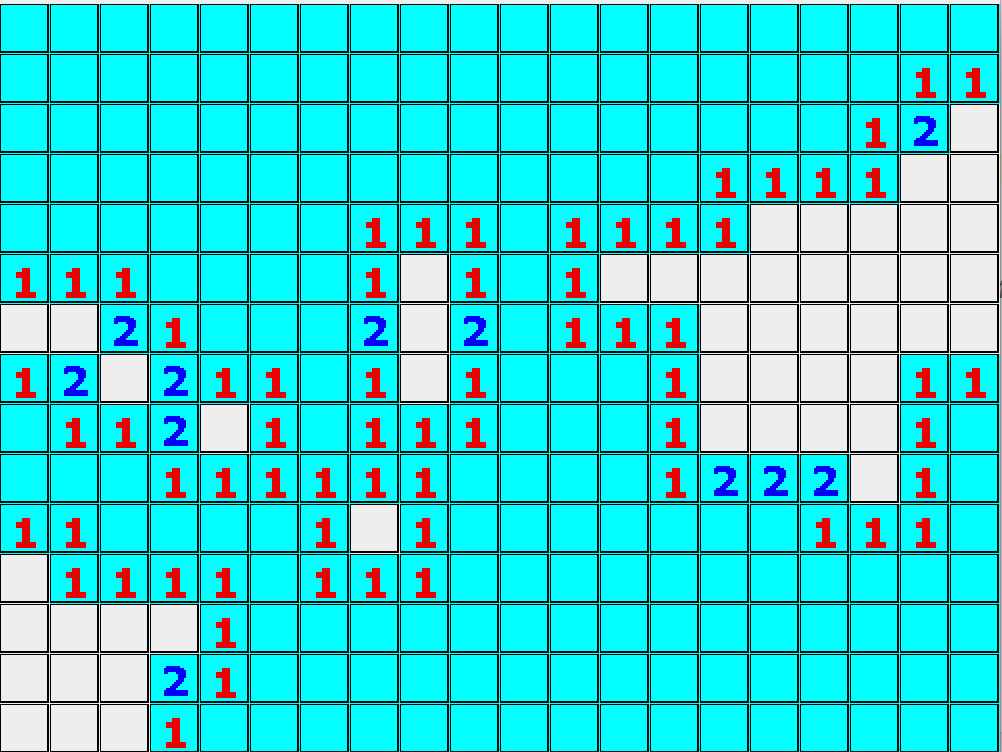
Minesweeper: A version of the game Minesweeper. A large grid of squares has been filled with hidden mines at random, so that many of the squares have a mine hidden below them. If you click on a mine, the whole minefield blows up and you lose. If you click on a square without a mine, the number of mines in adjacent squares (between 0 and 8) will appear. If you think there is a mine on a square, you can shift-click on it to put a flag there, without disturbing the mine. The goal is to uncover all the unmined squares. View Code
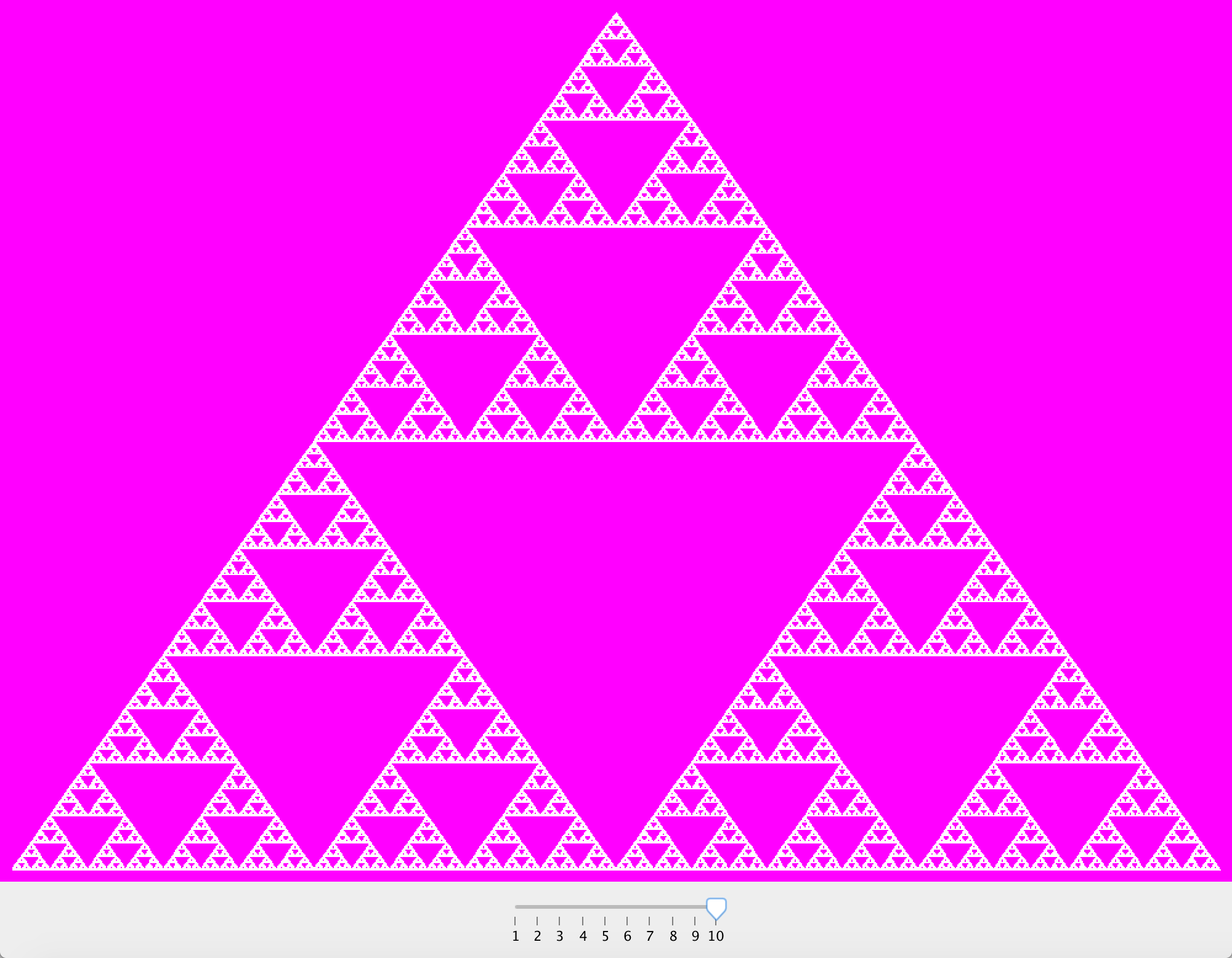
Sierpinski Triangles: A recursive picture of a triangle where each triangle is subdivided into four smaller ones, and the outermost three are drawn recursively. View Code
Binary Search Trees: This is a data structure that holds Strings. It consists of a bunch of nodes that each hold one string value and two pointers (left and right) to other nodes. Each node can be the base of a branching structure of other nodes. If you are looking at a node, any other nodes that have a string value that is “less than” (i.e., earlier in the alphabet) this node’s value will be found on the left side of the node, and any nodes on the right of this node are ones that hold string values more than this node. View Code
Learning Objective: Recursion
Sort Project
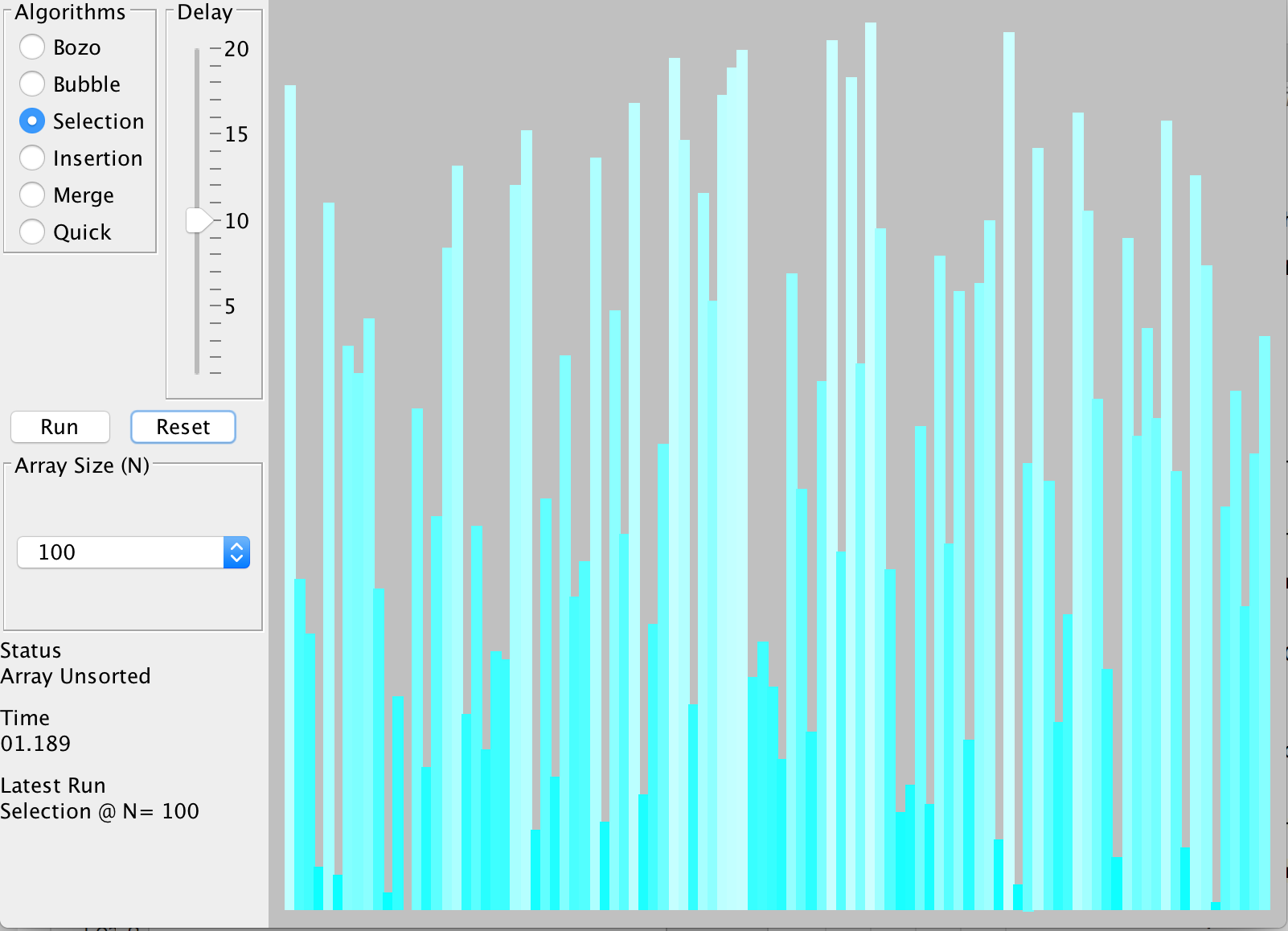
A visualizer that displays an array of numbers graphically and sorts them. View Code
Learning Objective: Sorting Algorithms: Bozo, Bubble, Selection, Insertion, Merge and Quick
Final Project
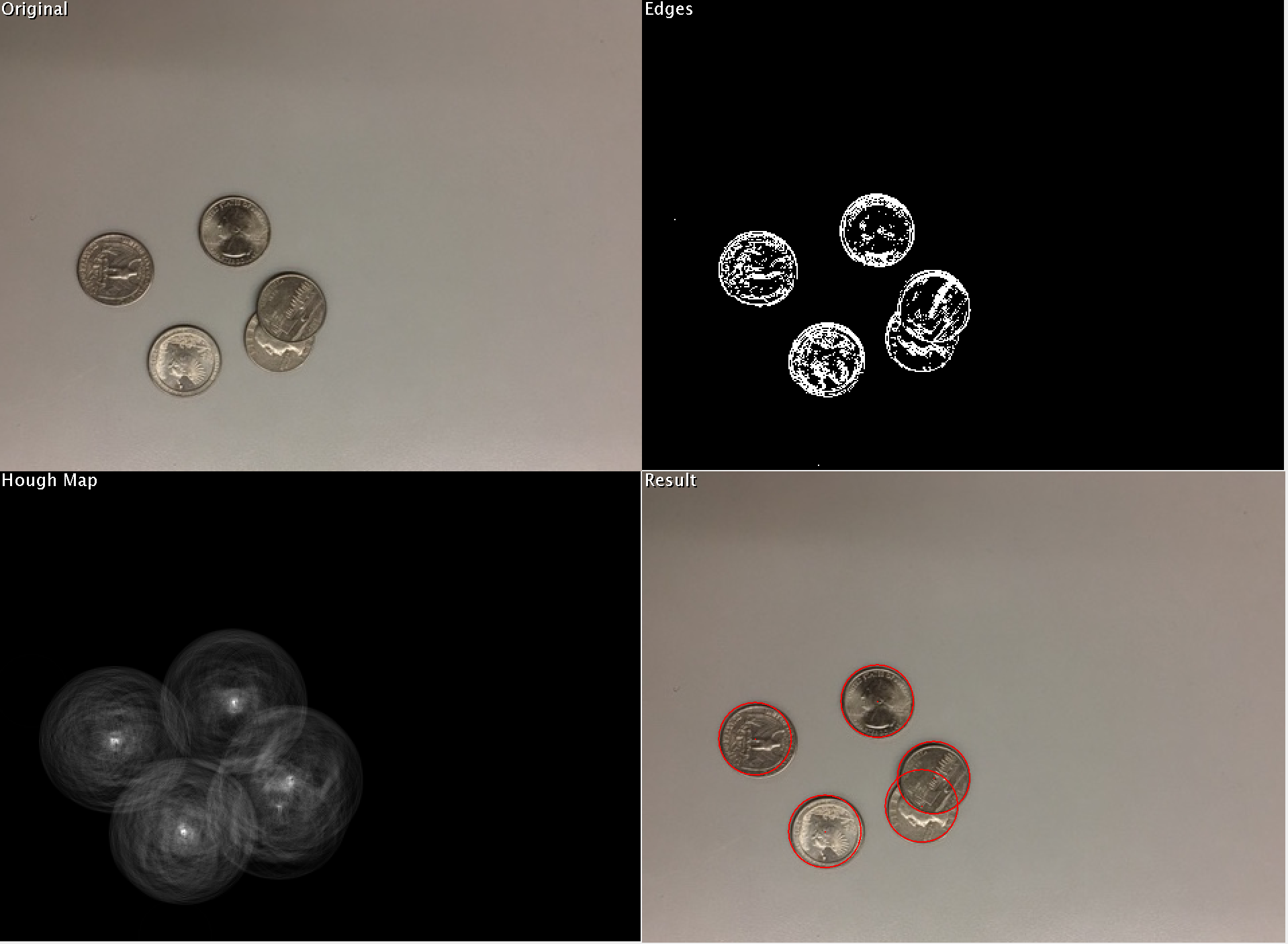
Hough Transforms detects circles in an image. View Code
K-Means shows how clusters form. View Code
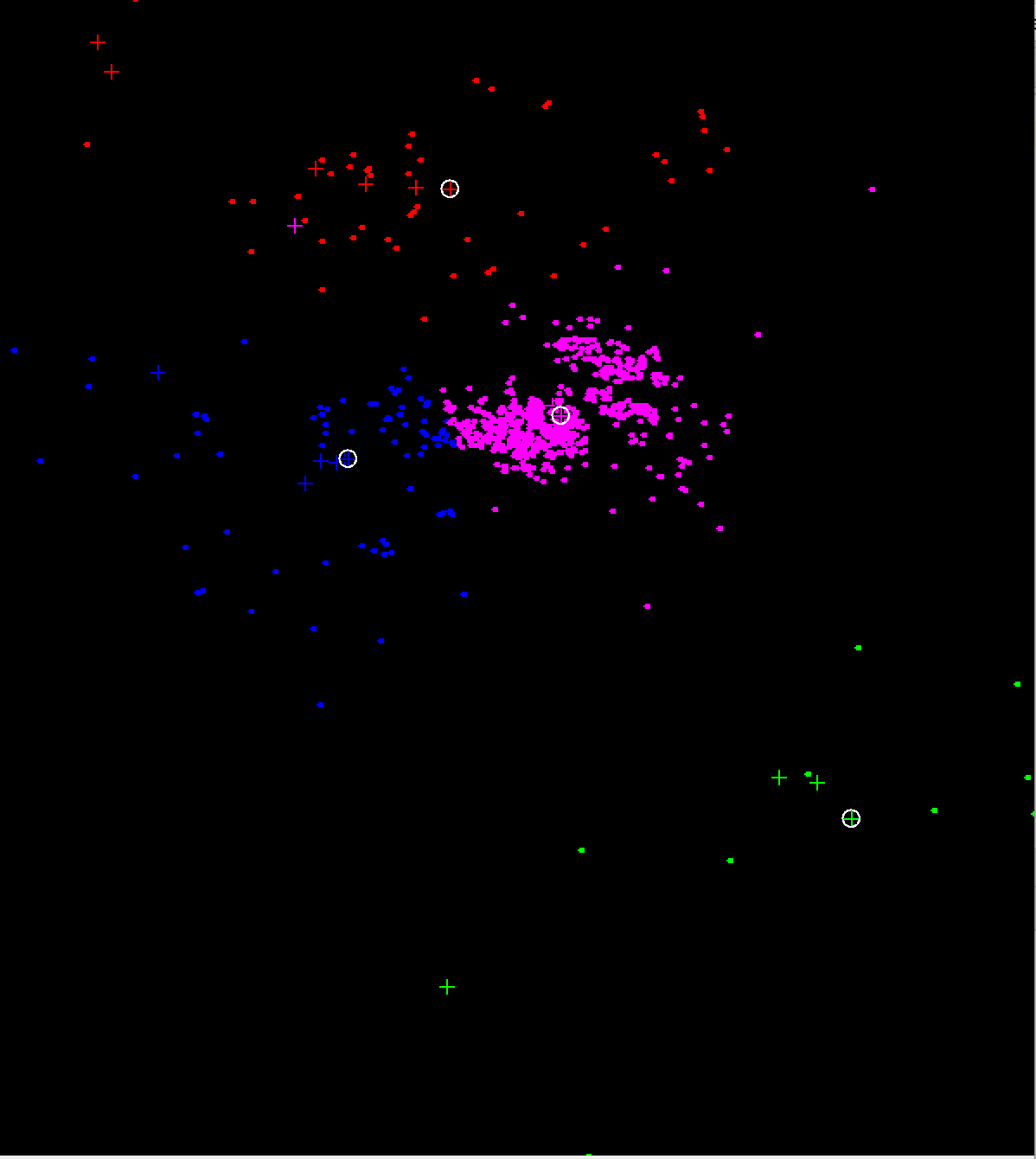
Learning Objective: Review of topics learned that semester.
HTML Project
A simple website about myself and my interests. View Website View Code
Learning Objective: HTML and CSS.
Mad Libs
A version of the popular word game, Mad Libs. The users can create their own story. View Website View Code
Learning Objective: PHP and user input.
SQL Project
Add, edit or delete songs to a table. View Website View Code
Learning Objective: Creating a web-based database.
Final Project
A social media website where one can create a login and post about anything. View Website View Code
Learning Objective: New accounts and logins.
First Drawing Project
Draws snowy mountains. View Code
Learning Objective: Fill, stroke and shapes.
Loops Project
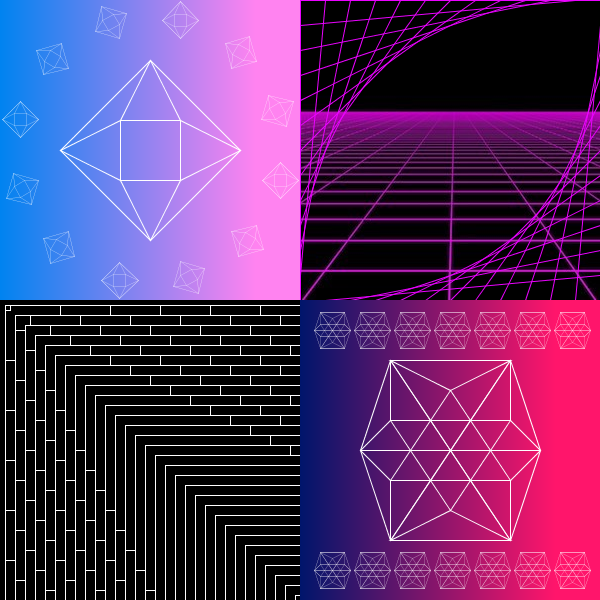
Draws four images of art. The first image is a geometrical shape with the same shape translated around it in a circle and has a gradient background. The second image is a mesh going in different directions. The third image is a brick pattern. The fourth image is a geometrical pattern with the same shape translated above and below it and has a gradient background. View Code
Learning Objective: For loops
Emulating Noise
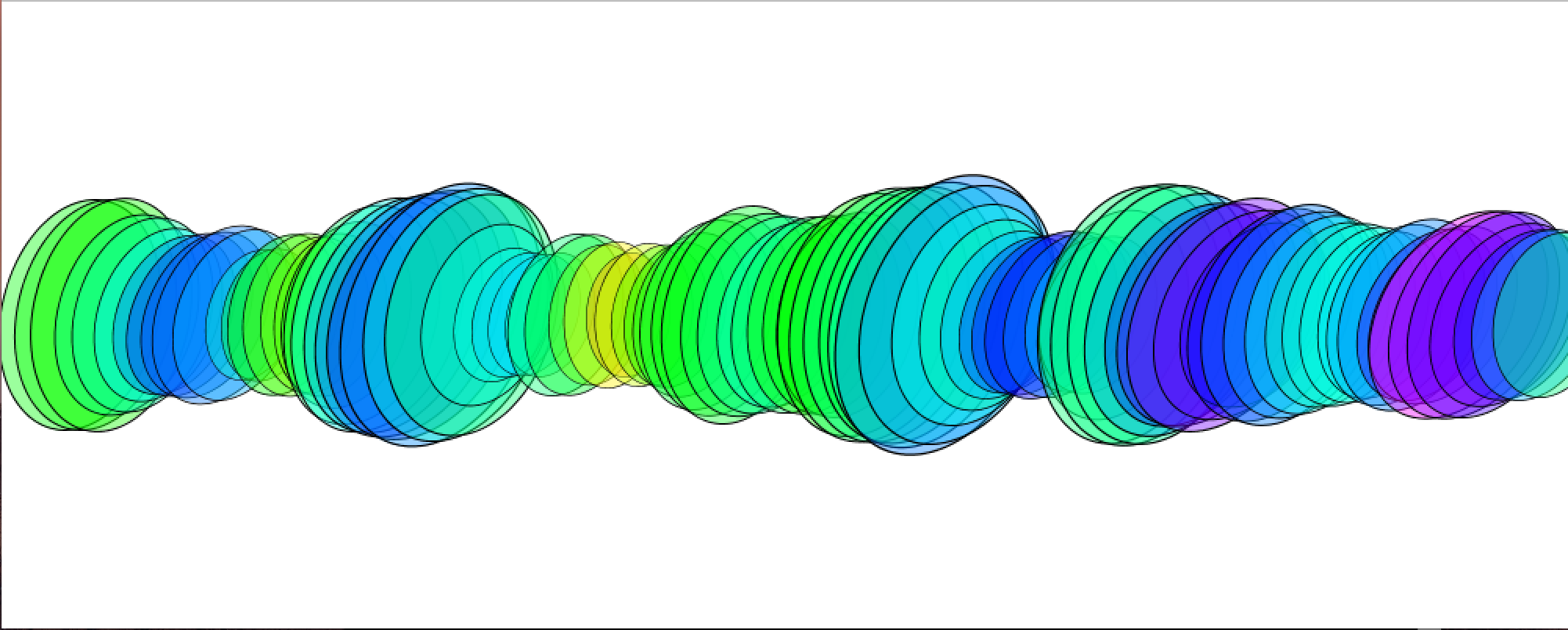
Perlin noise is used as a random number generator to produce a harmonic sequence of colors and shapes. In this program, it it used in the color, translation, rotation and scale of ellipses. View Code
Learning Objective: Perlin noise.
Image Editor
Three different programs that edit images.
In the first program, RGB pixels start to appear on the screen and slowly form the image of my dog, Teddy. It does this by picking a random point and finding its red value, then picking a random number and seeing whether it is less than that; if so, it draws a red dot. It does the same for green and blue too. View Code
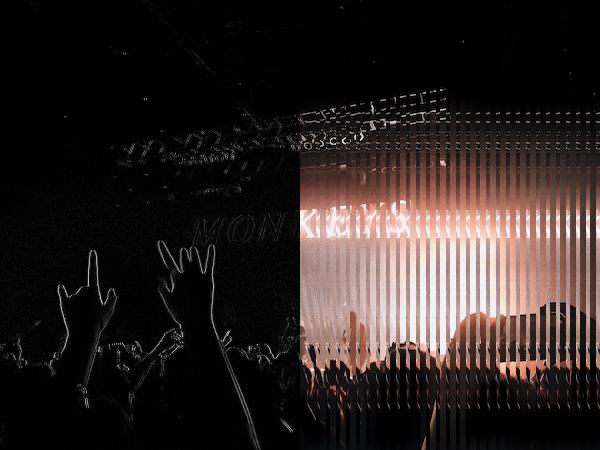
The second program it shows a picture I took at a concert. Half of the image has a black filter on it and the other half has inverted stripes on it. View Code
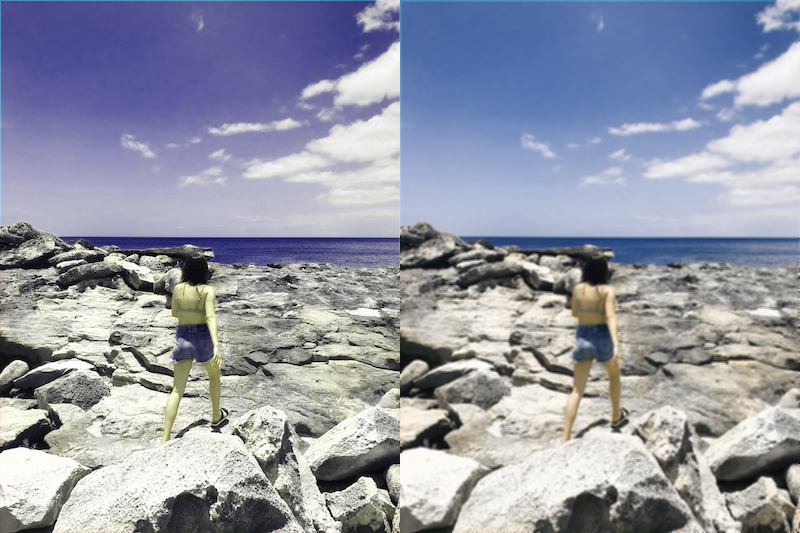
The third program shows two pictures and me at the beach. The first one has inverted colors that create a purple hue and the second one is blurred. View Code
Learning Objective: Color shifting, color inversion, grayscaling, brightness thresholding, image flipping and edge detection.
The Art of Letters
Three different programs that use text to create images.
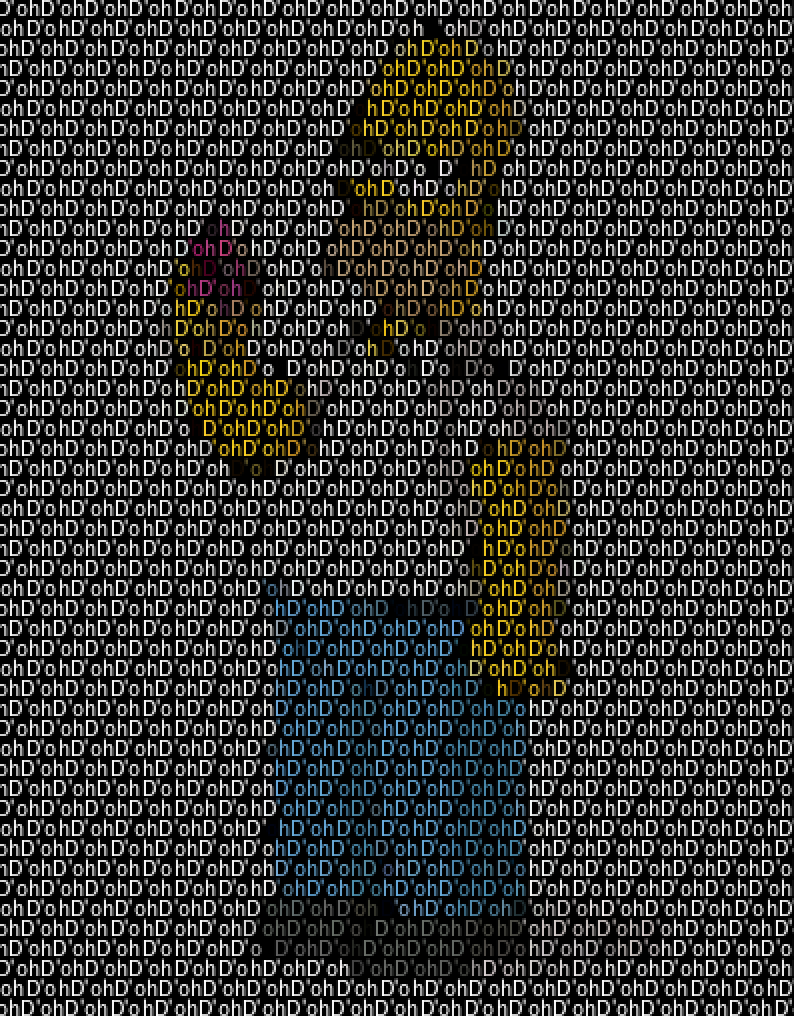
The first program draws an image of Homer Simpson with the word "D'oh". View Code
The second program allows the user to draw on the screen with text. View Code
The third program uses Perlin noise to choose letters from a text file and choose the color. View Code
Learning Objective: Text, mouse events and Perlin noise.
Final Project
Six different programs that reflect the topics learned that semester.
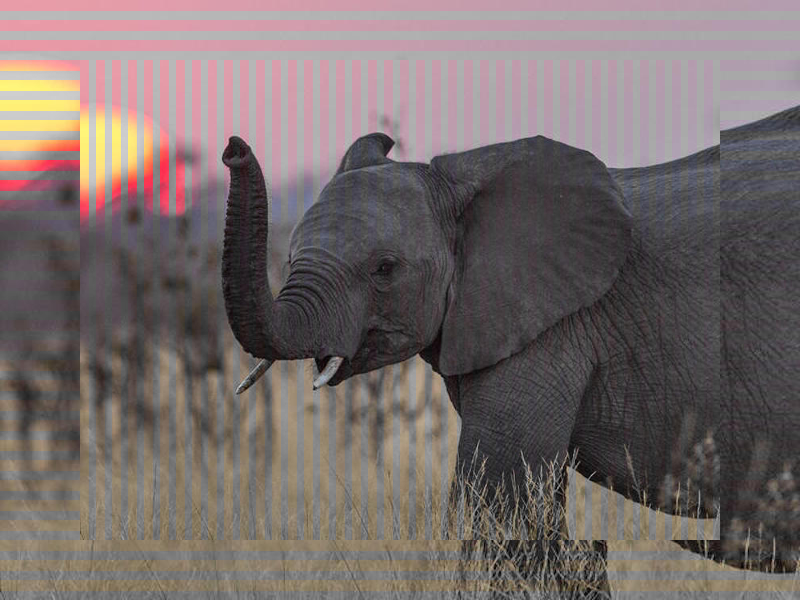
1. An image of an elephant with color inverted stripes overlapping the same image. View Code
2. A drawing of an elephant using shapes, stroke, fill, etc. View Code
3. An animation of an elephant head turning. View Code
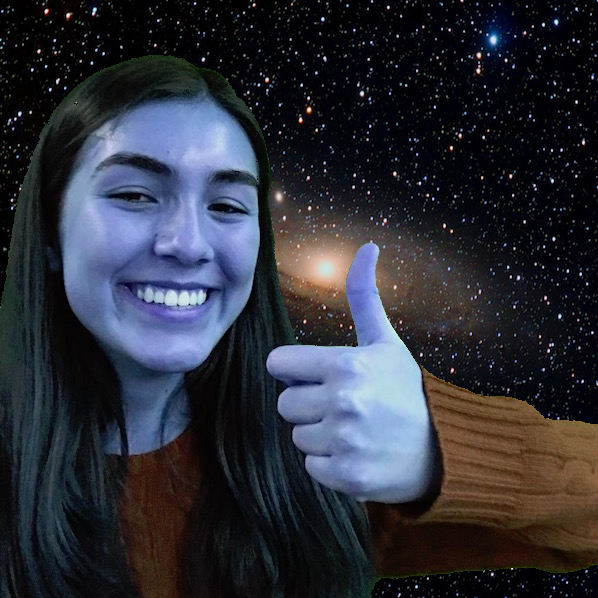
4. An image of my highschool with a falcon that the user can drag around. View Code
5. An image of me in inverted colors and floating in space. View Code
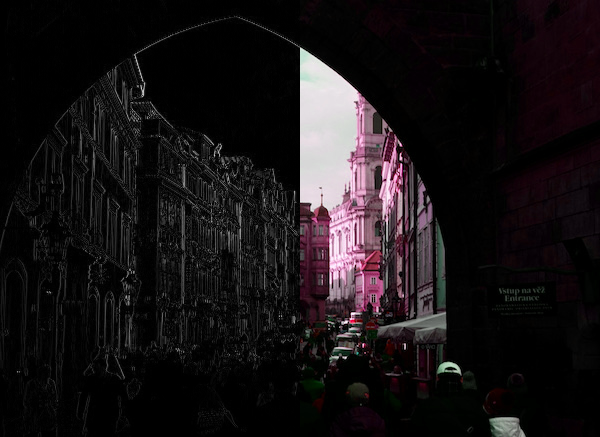
6. An image I took in Prague with half of it in a black filter and half of it with inverted colors. View Code
Learning Objective: Reviewing topics covered that semester.
Collect 4 Game
The board is similar to the Chutes and Ladders board, but it has 80 spaces. There are spaces “A”, “B” , “C”, and “D” spaces at certain locations. If the player lands on a lettered space, they now have that letter. True or False variables are displayed at the top saying whether the player has collected A-D. Each turn, the player rolls two six-sided dice and moves forward by that amount. The first player to collect ABCD wins. View Code
Learning Objective: Boolean statements, if statements, modules, and random numbers.
Mancala
A version of the ancient board game Mancala. The board has two rows of six spaces and on either side of the board is a mancala store, each row and store corresponding to a player. Each player has four “marbles” in each space in their row and their store remains empty. The players take turns choosing one of their spaces and taking the marbles in that space and dropping them one by one in the spaces around it going counter-clockwise. If the player has enough marbles to hit their own store, they place a marble in it. If the player passes the other player’s store, they do not place a marble in it. The game ends when a player has emptied their row of marbles. Then the other player takes all of their marbles in their row and places it in their store. The player with the most marbles in the mancala store wins. View Code
Learning Objective: Lists, for loops and while loops.
Shrek Game
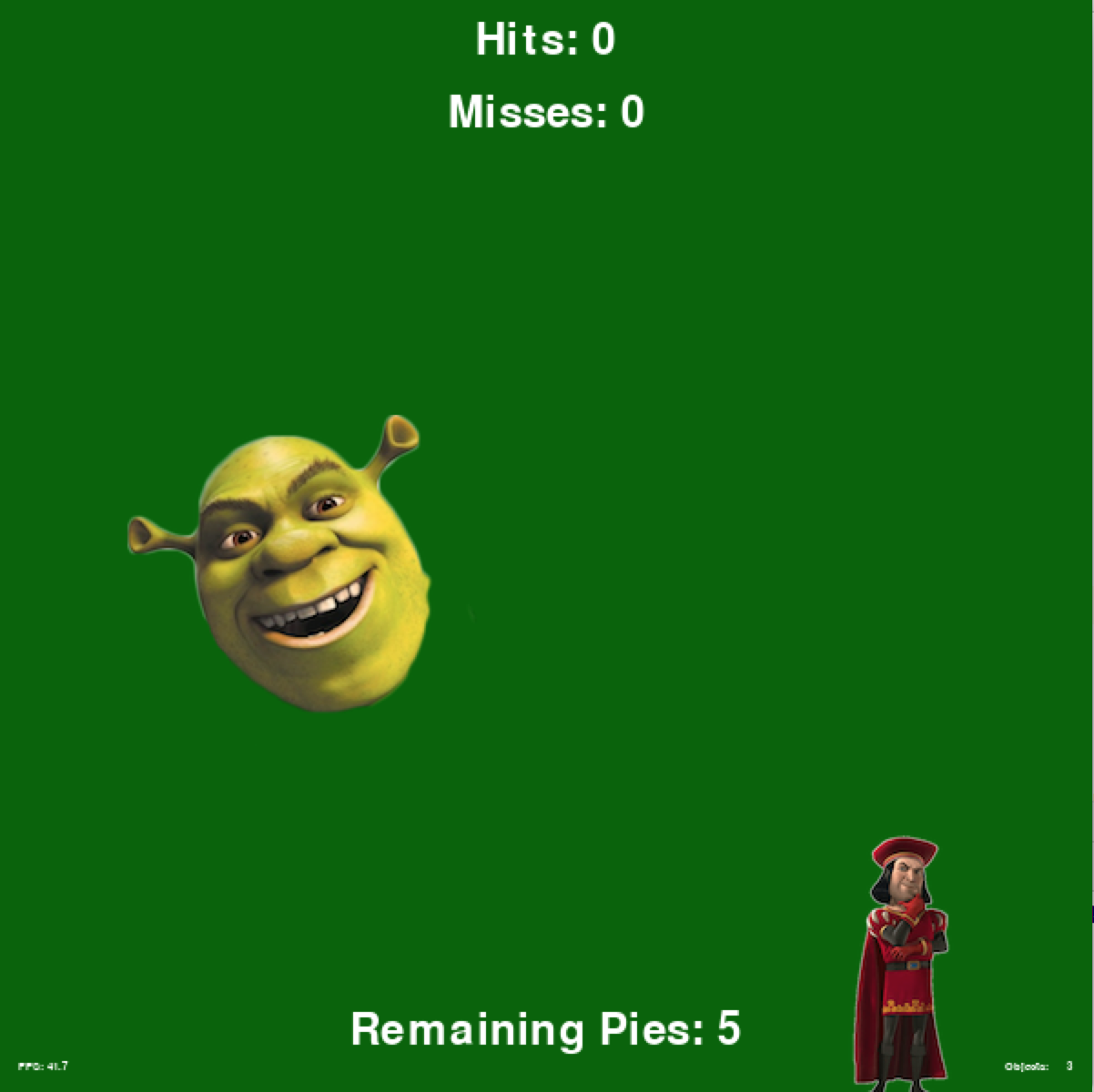
The player is in charge of moving Shrek, which moves with the mouse on the left side of the screen. On the right side of the screen is Lord Farquad, which is moving randomly around. When the player clicks the mouse, they fire a pie at Farquad. If the pie hits Farquad, the player gains a point. The player wins if they gain five points and don’t miss any of their pies at Farquad. The game ends if they run of pies. View Code
Learning Objective: Mouse events, sound effects and displaying a game.
Pac Man
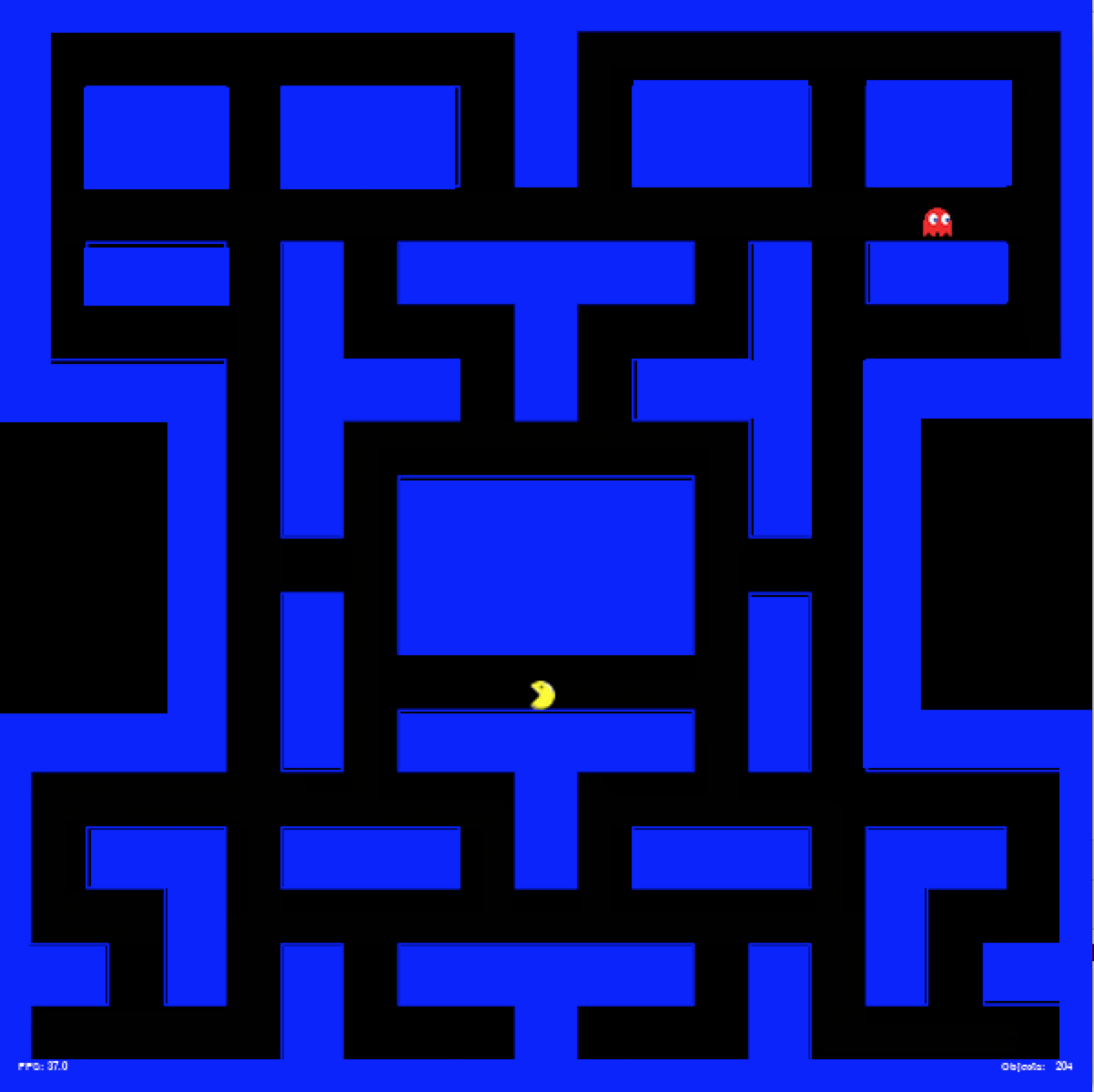
A version of the game Pac Man. The player, Pac Man, moves through the maze to avoid being eaten by the ghost. Uses the keys W, S, A, D to move up, down, left and right. Once eaten, the player loses the game. View Code
Learning Objective: Key events, sound effects, and collision.
Paint
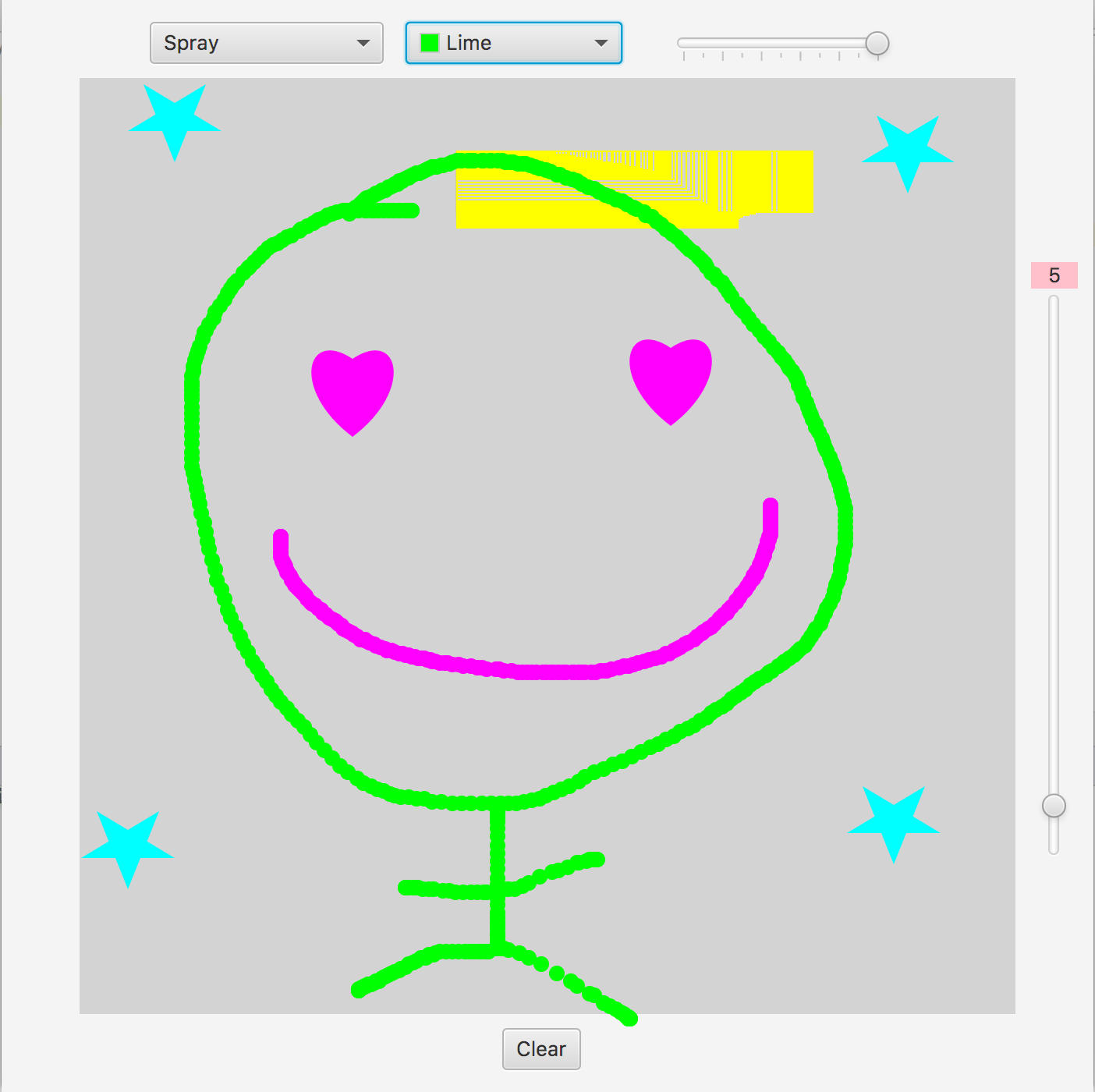
Inspired by KidPix, an electronic artboard for kids, I used JavaFX to create an art board that has brush and stamp tools with controllable weight, opacity and color. View Code
Learning Objective: JavaFX circle and path objects, color picker and sliders.
Cardioid
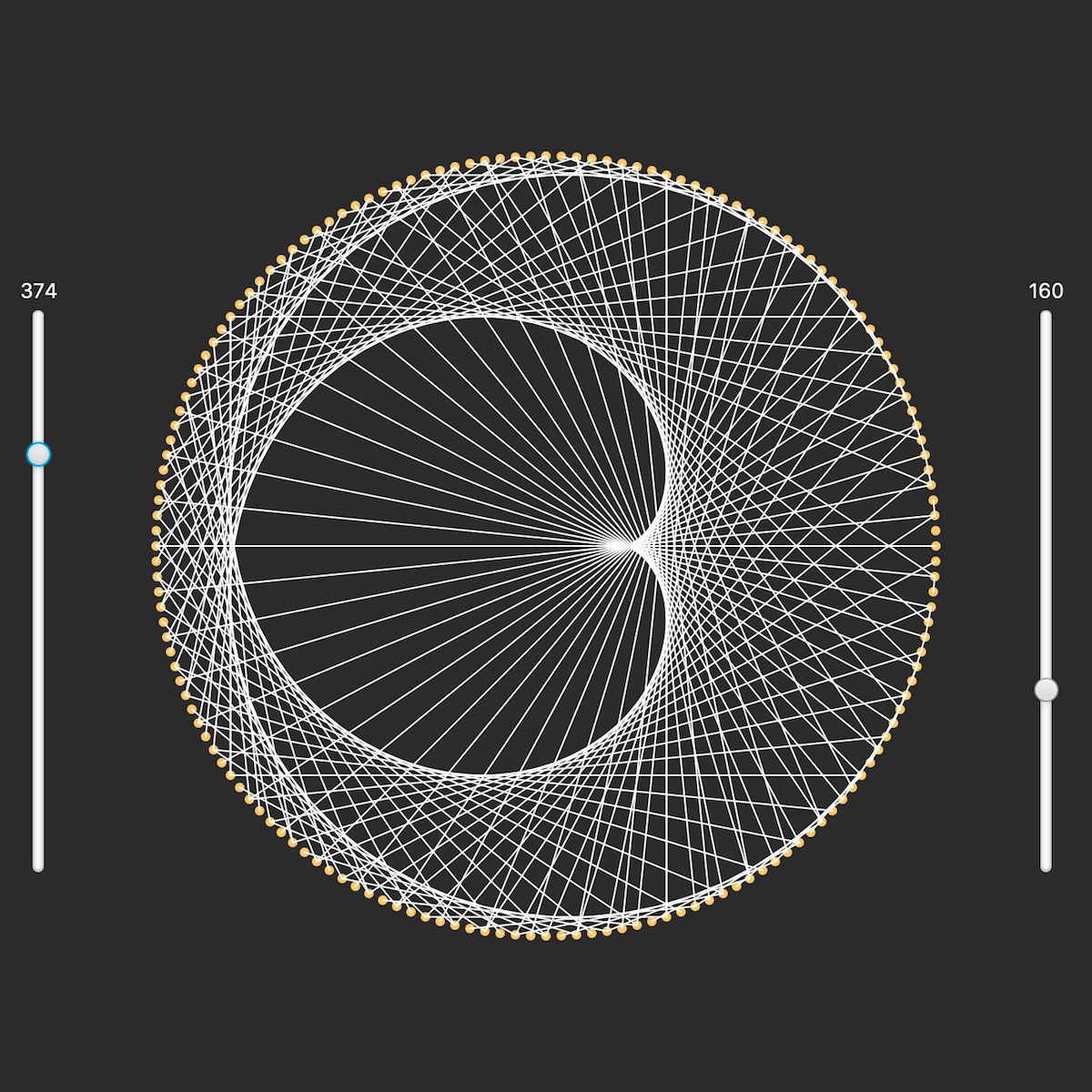
Inspired by a YouTube video about cardioids, I created a JavaFX program that renders complex cardioids and mandala-like shapes by reflecting rays off the perimeter of a circle. The user interface has two sliders, one of which determines the number of rays, while the other determines how the rays are reflected. View Code
Learning Objective: JavaFX sliders, circle and line objects
Golden Ratio
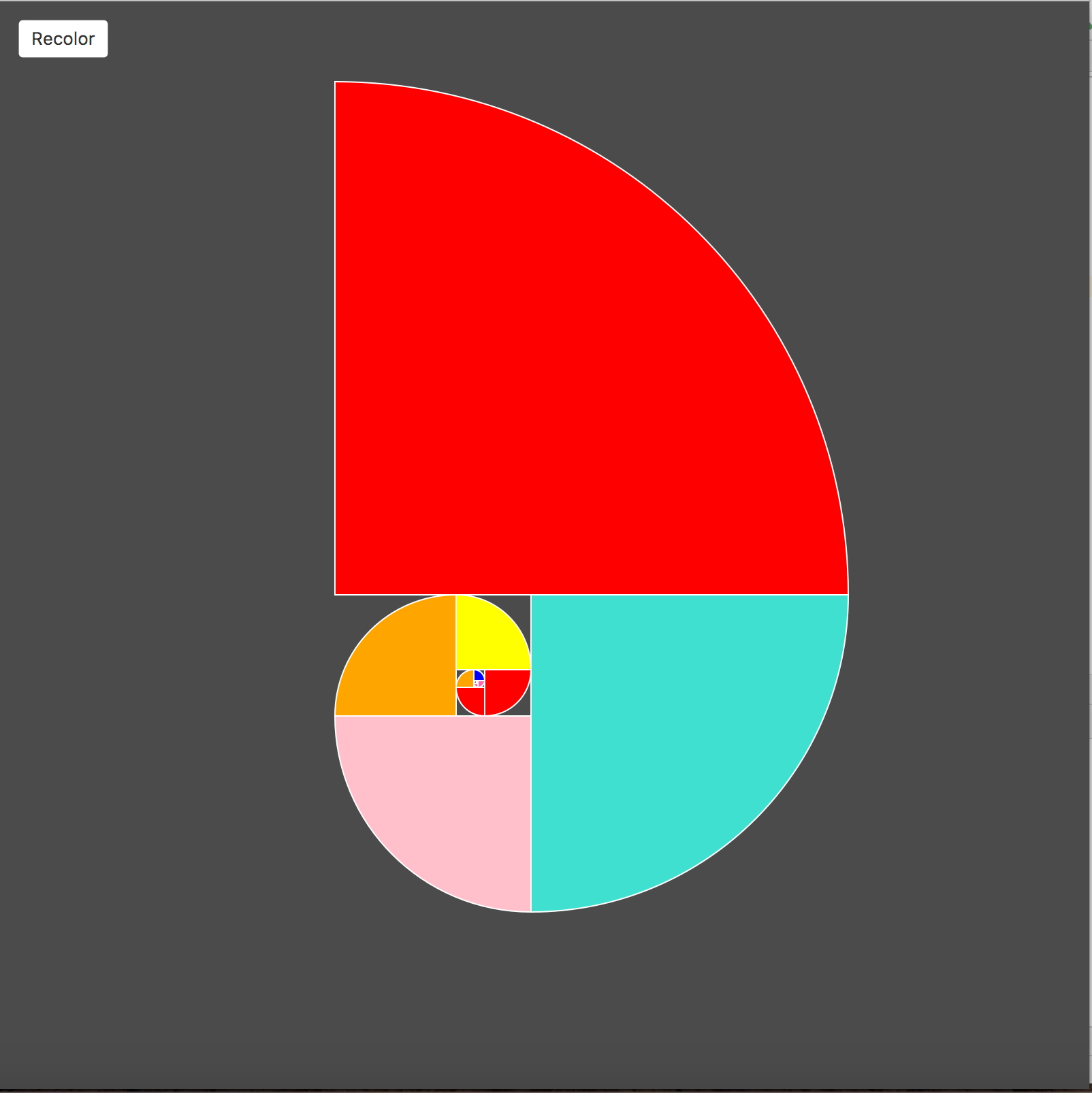
The Golden Ratio derived from the Fibonacci sequence is important in architecture and design. This program draws Fibonacci spirals. The user can control how far to travel down the Fibonacci sequence. View Code
Learning Objective: JavaFX key events, mouse events, scaling and translation.
Mandelbrot Set
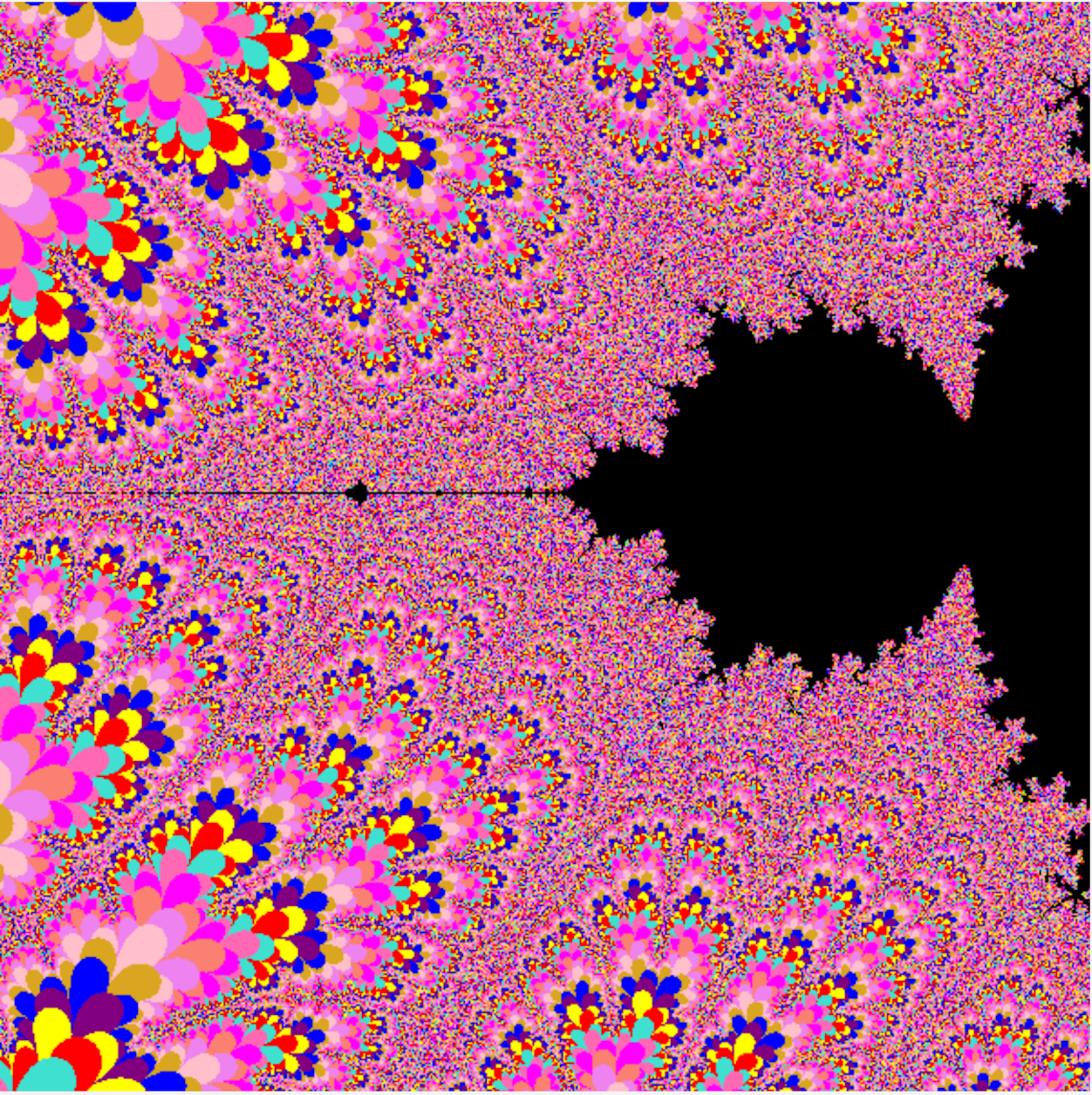
I have previously coded a Mandelbrot set during my AP CompSci class. Here I recoded that project using the JavaFX platform. To make the design more interesting and create a halo effect, I added an array of colors for the pixels that fall just outside of the Mandelbrot Set. View Code
Learning Objective: Switching from Cartesian to Mandelbrot coordinates and JavaFX scaling.
Pong
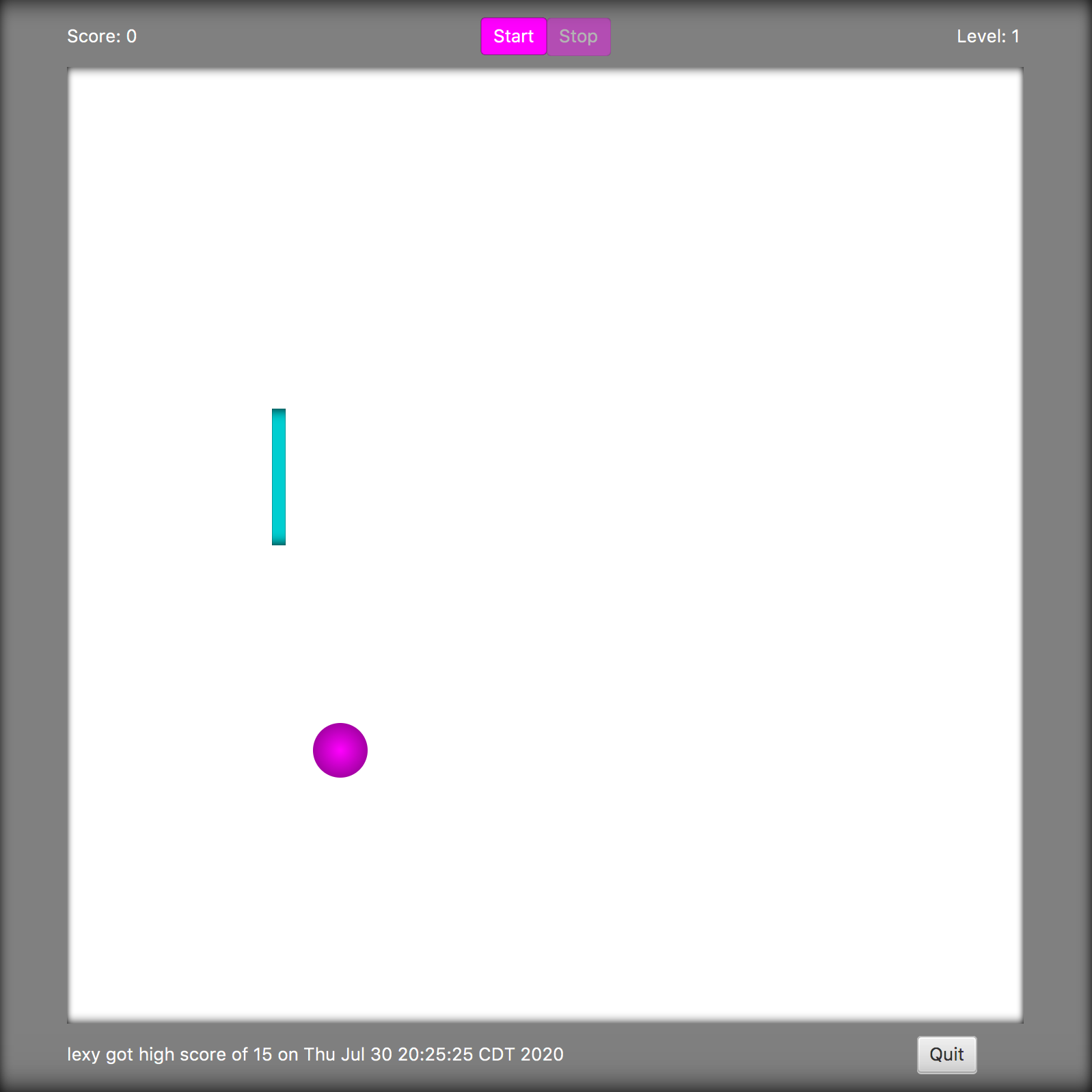
A version of the classic Pong game with a ball and a paddle. View Code
Learning Objective: JavaFX animation, login, writing to and reading from files.
Angry Birds
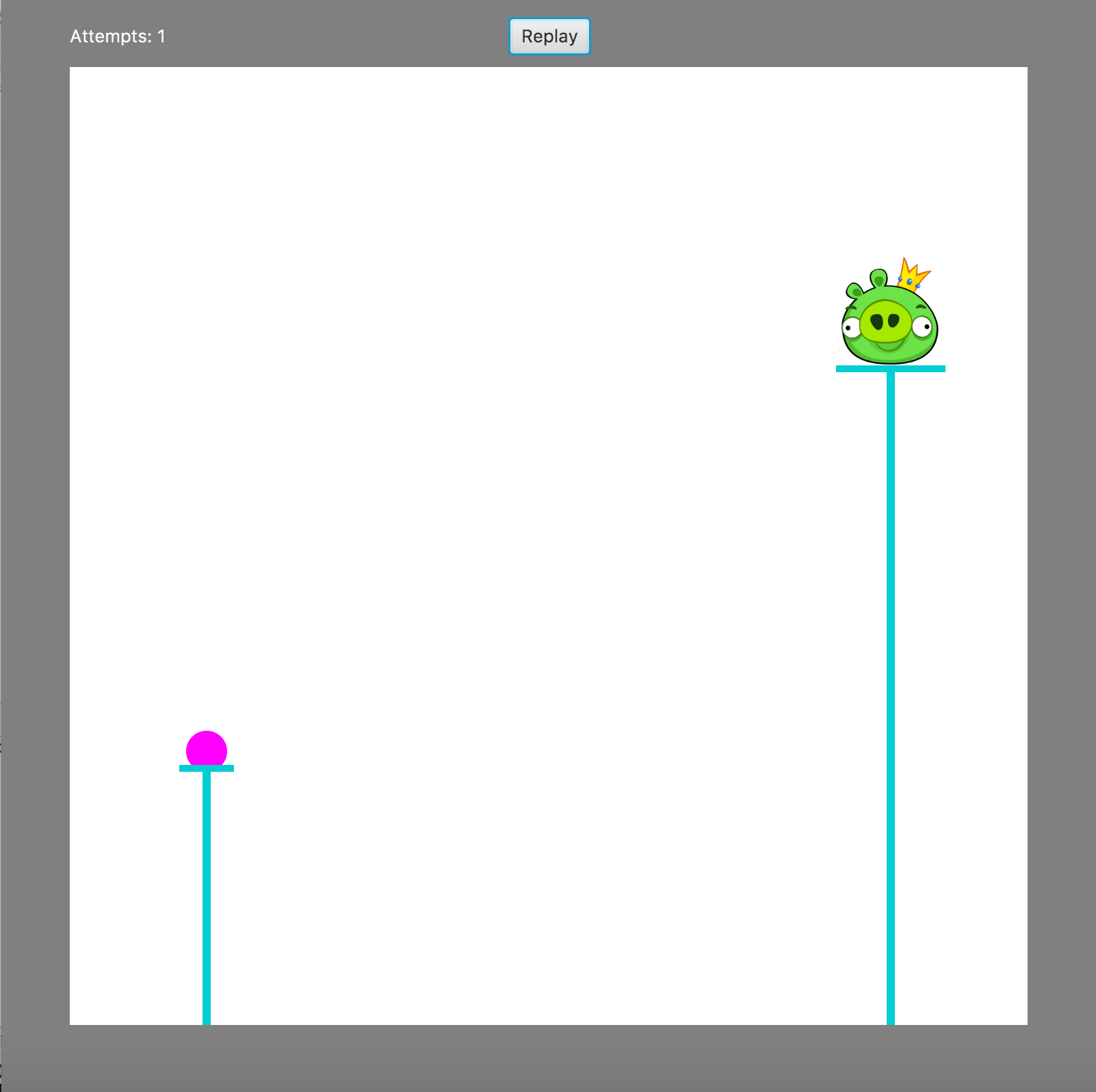
A version of the Angry Birds game where a projectile is shot at a moving pig. View Code
Learning Objective: JavaFX animation timer and image views.